
- Home
- About us
- Products
- for Siemens
- Agricultural Terminal
- for A-B-B
- Advantech
- Allen Bradley
- AMTouch
- B&R Power Panel
- BECKHOFF HMI operator Repair
- Beijer HMI
- Bosch Rexroth
- Danielson Touch Screen Replacement
- Delem
- Delta
- DMC
- EATON Micro Panel
- ELO Touch Screen Panel
- ESA HMI
- Exor UniOP
- EZ Automation
- Fagor
- Fuji Hakko
- GE Fanuc
- GUNZE Touch Panel
- IDEC
- Koyo
- KUKA SmartPAD
- Lenze
- Microtouch 3M Versatouch touch screen
- Mitsubishi
- Omron
- Panasonic
- Parker
- Proface
- Red Lion
- Robotic Controller
- Schneider
- Sigmatek HMI
- Ventilator Parts
- Weinview
- Other Terminal Brand
- HMI Touch Screen Panel
- Touch Panel Screen Suppliers
- Touch Screen Panel supplier
- Auxiliary Accessories
- LCD Display
- test11
- Faqs
- News
- Certificate
- Contact us
Siemens Mobile Panel 277 10" Troubleshooting Guide: Common Issues and Solutions
Siemens Mobile Panel 277 10" Troubleshooting Guide: Common Issues and Solutions
Comprehensive guide to the most common problems with the Siemens Mobile Panel 277 10" (MP277 10") – blank screen, black screen, touch crashes, bootloader issues, communication failures, OS update errors, and more. Written by Vicpas – 20+ years of Siemens HMI expertise.
Table of Contents
- Introduction
- 1. Display Issues: Blank Screen / White Screen / Black Screen / No Display
- 2. Touchscreen Issues: Crashing, Erratic Touch, Inaccurate Response
- 3. Boot Issues: Stuck in Bootloader / Bootloop
- 4. Software & Update Issues: OS Update Failure / Project Transfer Errors / ProSave Compatibility
- 5. Communication Issues: No Connection to PLC
- Conclusion & Professional Support from Vicpas
- References
Introduction
The Siemens Mobile Panel 277 10" (MP277 10" Touch) is a widely used mobile HMI operator panel in industrial automation, featuring a 10-inch touchscreen, high-performance graphics, and flexible communication interfaces (MPI/PPI/PROFIBUS/Ethernet). However, due to long-term operation, harsh environments, firmware mismatches, or hardware aging, users frequently encounter issues such as blank/white/black screens, touch crashes, bootloader loops, OS update failures, and communication loss with PLCs.
At Vicpas (VICPAS TOUCH TECHNOLOGY LIMITED), with over 20 years of specialization in industrial HMI parts and repairs, we stock more than 80,000 items including touchscreens, displays, housings, and mainboards for Siemens Simatic HMI series – especially the Mobile Panel 277. We offer 1-year warranty, no MOQ customization, global DHL/UPS express shipping, and expert technical support.
Explore our Siemens Mobile Panel 277 10" products and services: here
Important Note: Always back up your project data before troubleshooting. Disconnect power and follow ESD protection procedures. If you lack specialized tools, contact Vicpas for professional repair support.
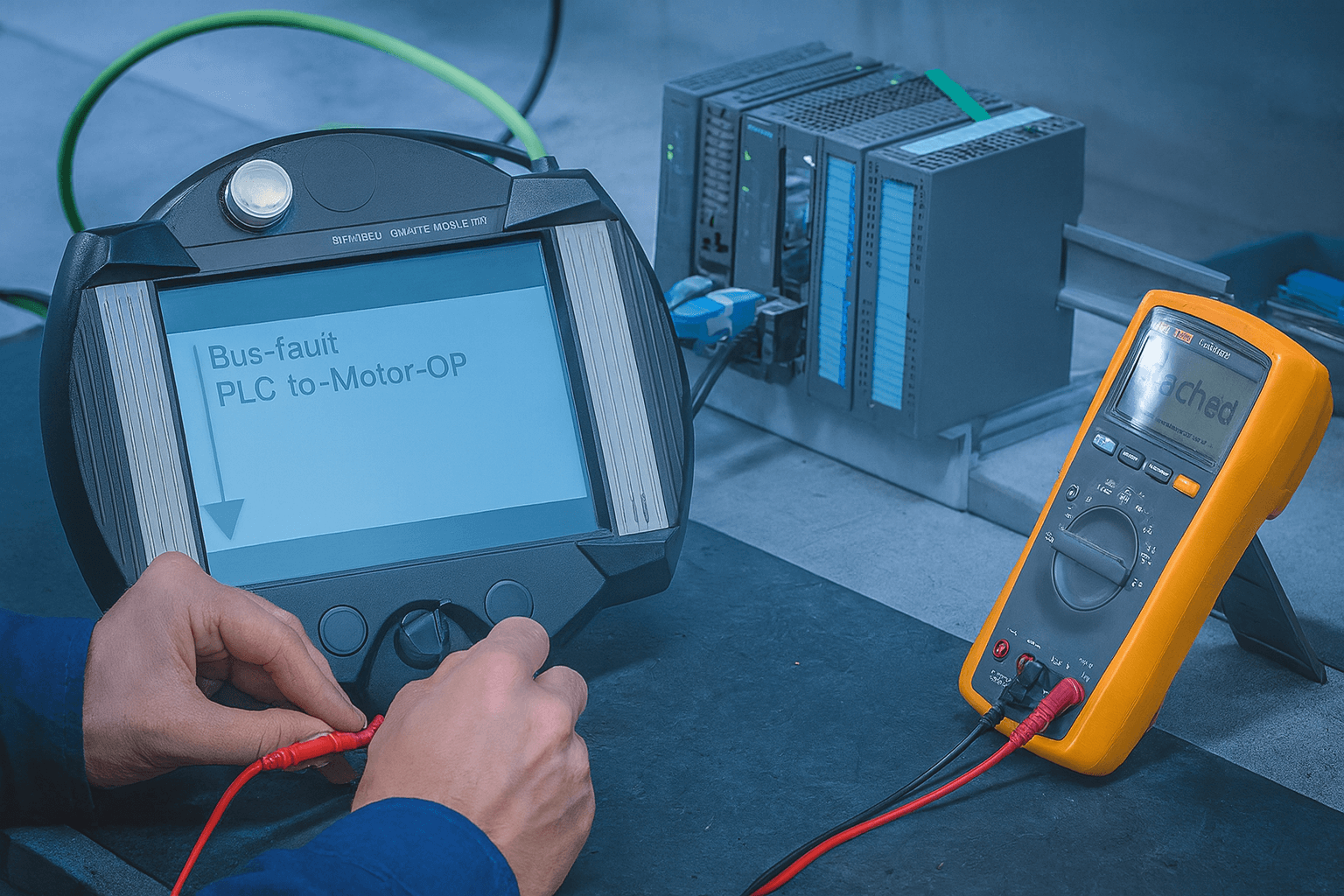
1. Display Issues: Blank Screen / White Screen / Black Screen / No Display
Common Symptoms
- Device powers on but shows only a white screen (backlight on, no content) or completely black screen
- Indicator lights flashing abnormally, current draw too low or too high
Possible Causes
- Unstable 24V DC power supply (±10% tolerance exceeded) or oxidized/loose connectors
- LVDS signal cable, touch ribbon cable loose, damaged, or corroded
- Mainboard voltage issues (missing or out-of-range 3.3V/5V/12V rails), blown power ICs, or shorted components
- Aging LCD panel (dark spots, color shift), corrupted firmware, or lost program
- Electromagnetic interference from nearby VFDs or motors
Troubleshooting & Repair Steps
- Measure input voltage and current; clean and reseat all connectors.
- Open the unit: clean dust/corrosion, test key voltage points and diodes/capacitors with a multimeter; check H/V Sync and CLK signals with an oscilloscope.
- Reseat LVDS and touch ribbon cables; replace if damaged.
- Force OS reflash via ProSave in Bootloader mode.
- If the mainboard is damaged, replace it or the entire unit (Vicpas stocks compatible replacement parts).
Vicpas Tip: We frequently repair this exact hardware failure. We offer fast mainboard-level repair or brand-new/refurbished MP277 10" panel replacements with 1-year warranty – saving you time and cost.
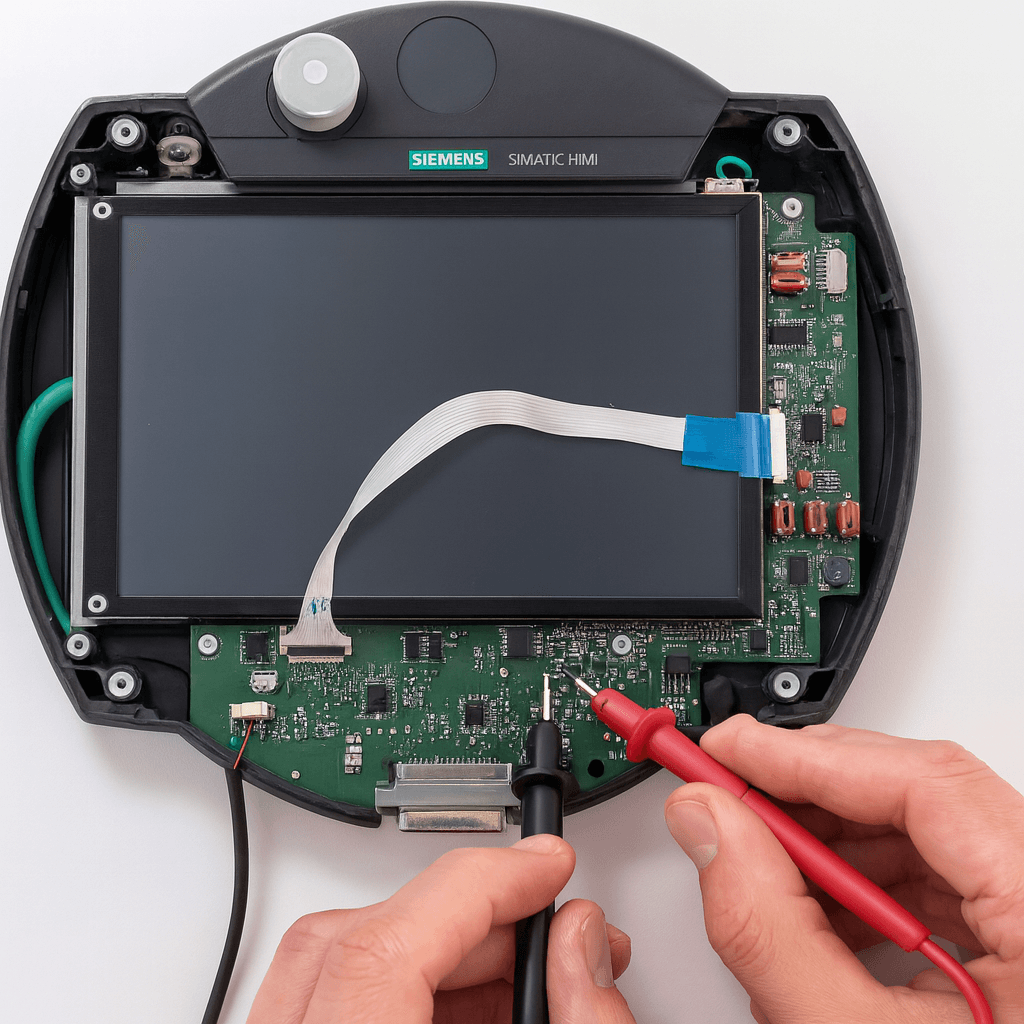
2. Touchscreen Issues: Crashing, Erratic Touch, Inaccurate Response
Common Symptoms
- Touchscreen crashes or program aborts during runtime
- Touch points offset, selects wrong areas, or misses inputs
- Touch becomes unresponsive or very slow in low temperatures (<15°C)
Possible Causes
- Temperature changes causing condensation between touch film and components
- Aging touch sensor, cracked glass, or poor sealing
- Software project misconfiguration or memory overflow
Troubleshooting & Repair Steps
- Perform touchscreen calibration via Control Panel → Touch Calibration (if accessible).
- Check operating environment: use protective enclosures (e.g., Rittal FT series) in cold conditions to reduce condensation.
- Connect a USB mouse as a temporary workaround.
- Replace the touchscreen film/glass assembly (Vicpas maintains large stock and offers custom solutions).
- If crashes persist, verify project compatibility and update the OS.
Vicpas Service: We provide factory-grade touchscreen replacement with fast turnaround for industrial sites.
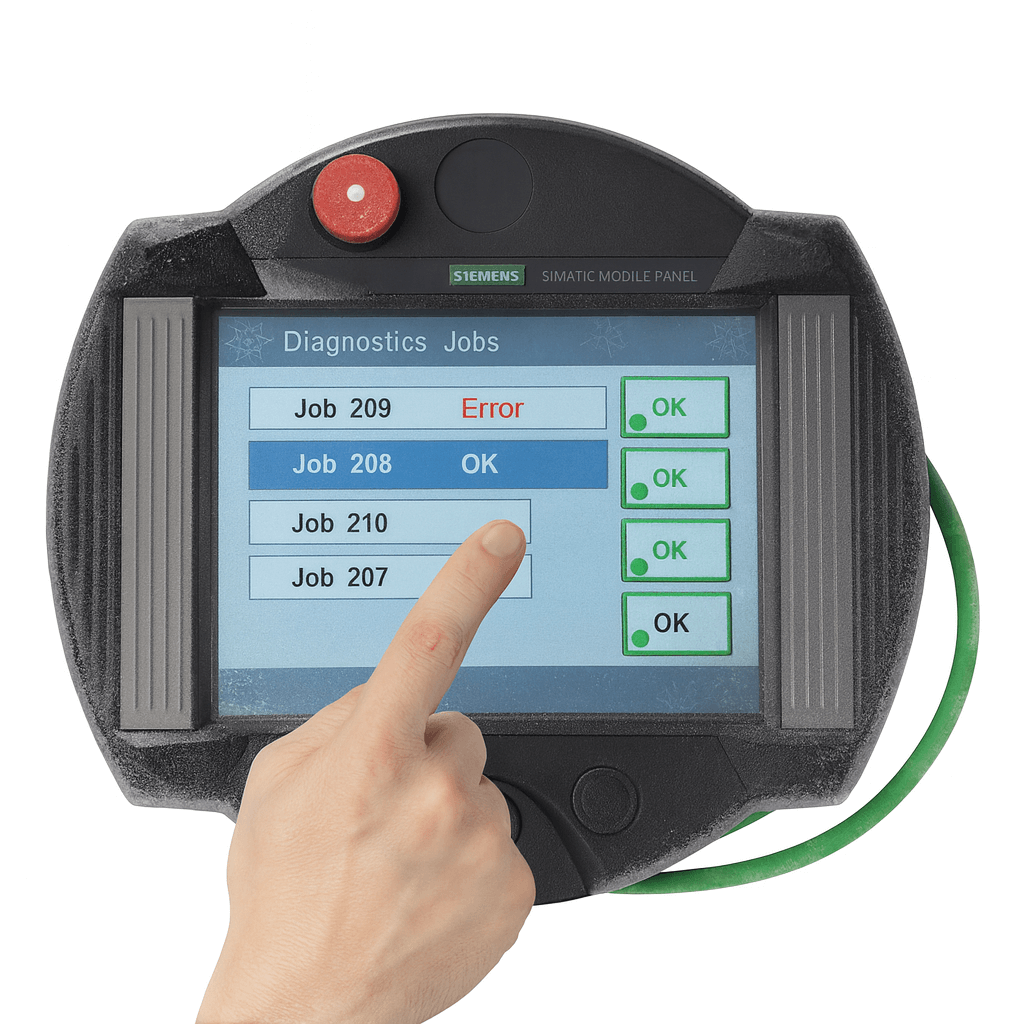
3. Boot Issues: Stuck in Bootloader / Bootloop
Common Symptoms
- Device hangs at Bootloader screen (“Bootloader Mobile Panel...” or version info) and never boots into Windows CE; bootloop after backup restore or power interruption during transfer.
Possible Causes
- Corrupted OS image, firmware incompatibility, interrupted restore process, Flash memory errors (e.g., PDATA.FWX corruption).
Troubleshooting & Repair Steps
- Ensure the panel is in Transfer mode (Control Panel → Transfer Settings).
- Use ProSave via Ethernet/RS232 to force OS update.
- Back up the project first, then select the correct .img file and reflash.
- If MMC/SD card restore fails, try memory clear or professional recovery.
Vicpas Recommendation: We can provide correct OS image files, step-by-step guidance, or fully refurbished units ready to go.
4. Software & Update Issues: OS Update Failure / Project Transfer Errors / ProSave Compatibility
Common Symptoms
- WinCC Flexible reports “OS update failed – missing image file”, ProSave shows version incompatibility, Flash errors during project download.
Repair Steps (WinCC Flexible 2008 example)
- Install the latest Hotfix (HF3 recommended).
- Locate the correct image file:
C:\Program Files\Siemens\SIMATIC WinCC flexible\WinCC flexible Images\Mobile_MP277\Mobile_MP277_V1_1_1_0.img(for MP277 10" Touch) - In ProSave: OS Update → Browse → Select .img → Update (disable firewall, ensure correct IP e.g., 169.254.11.22, successful ping).
- After update, reload your project.
Vicpas Tip: We offer compatible OS image guidance and project restoration support – especially helpful for legacy WinCC environments.
5. Communication Issues: No Connection to PLC
Common Symptoms
- HMI cannot detect PLC nodes, no response from buttons/tags although simulation works fine, MPI/RS232/PROFIBUS/Ethernet communication failure.
Troubleshooting Steps
- Inspect cables, connectors, and terminating resistors (for PROFIBUS).
- Verify settings: baud rate, station address, protocol match; for Ethernet check IP/subnet mask and ping test.
- Ensure HMI is in Transfer mode; disable firewall/antivirus.
- Reset network settings or reload communication drivers.
- For Mobile Panel, check charging cradle/wireless connection.
Conclusion & Professional Support from Vicpas
This guide covers the most frequent issues encountered with the Siemens Mobile Panel 277 10", compiled from real-world cases on Siemens Support Forums, PLCTalk, Reddit, and professional repair experience.
While many problems can be resolved with basic checks and OS updates, hardware failures often require expert intervention.
Vicpas – Your Trusted HMI Partner
With 20+ years of experience, over 80,000 parts in stock, no MOQ, 1-year warranty, global express shipping, and 100% customer satisfaction guarantee, we specialize in Siemens Mobile Panel 277 10" touchscreen, mainboard, display, and housing replacements, as well as custom repairs.
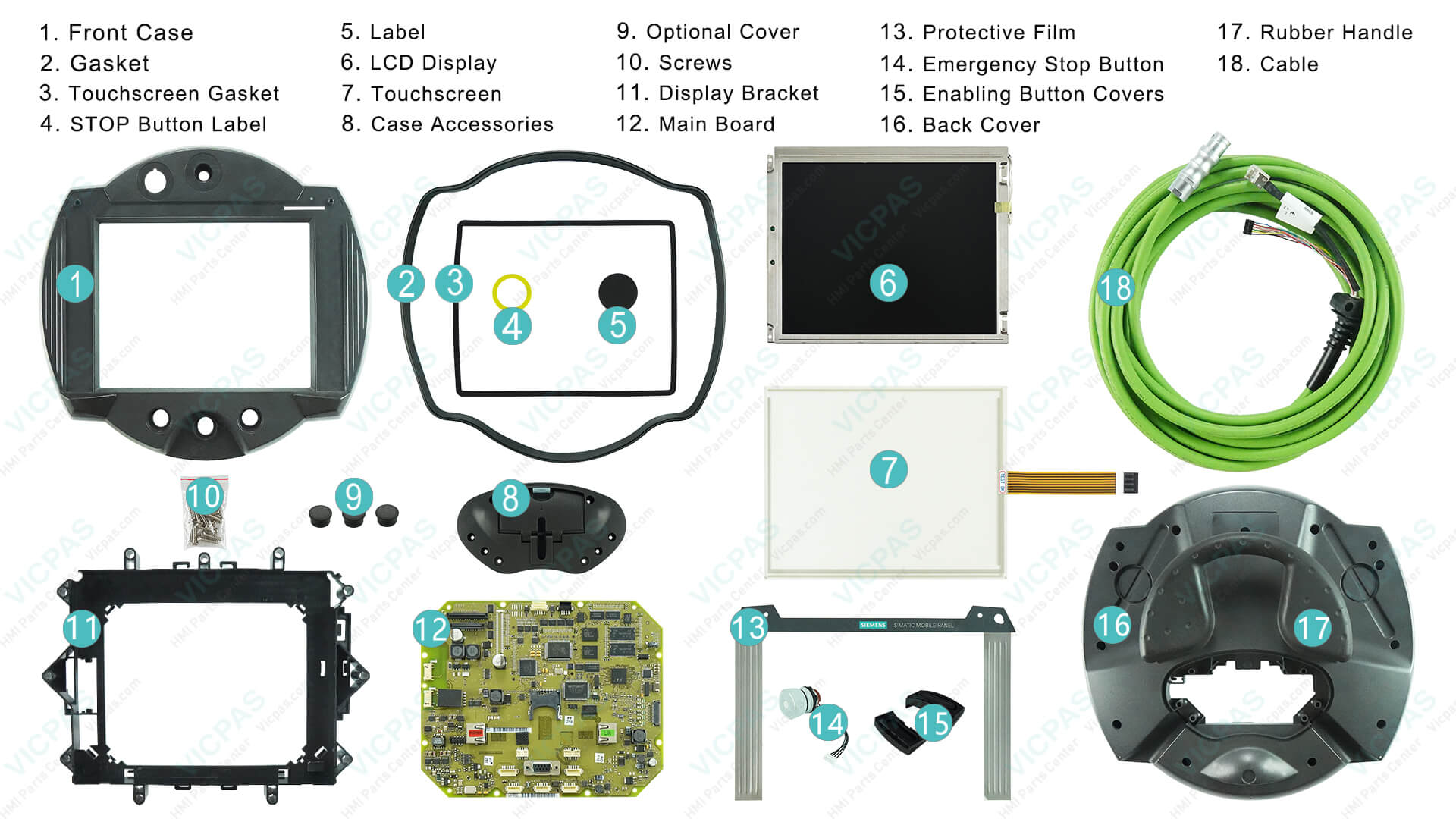
Get a quote or technical support today:
Company profile and
Siemens Mobile Panel 277 10" products
Contact us: sales..........com | +86-13922741901 (WhatsApp)
Let Vicpas help you get your production line back up and running fast!
References
- Siemens Support Forum – MP277 Blank Screen / Bootloader Issue
- Siemens Support Forum – MP277 10″ Touch Crashing
- Siemens Support Forum – MP277 Communication Issue
- PLCtalk Forum – Siemens MP277 10″ Touch Screen Problems
- Siemens Knowledgebase – Mobile Panel 277 OS Update Fix in WinCC Flexible
- Reddit – MP277 10″ Bootloop After Backup Restore
- Reddit – MP277 Project Transfer / ProSave Compatibility Issues
- Siemens Panel Common Issues Document (FAQList)
- Hardware Repair Example – MP277 White / Blank Screen Repair
- Hardware Repair Example – HMI No Display / Black Screen Analysis