
- Home
- About us
- Products
- for Siemens
- Agricultural Terminal
- for A-B-B
- Advantech
- Allen Bradley
- AMTouch
- B&R Power Panel
- BECKHOFF HMI operator Repair
- Beijer HMI
- Bosch Rexroth
- Danielson Touch Screen Replacement
- Delem
- Delta
- DMC
- EATON Micro Panel
- ELO Touch Screen Panel
- ESA HMI
- Exor UniOP
- EZ Automation
- Fagor
- Fuji Hakko
- GE Fanuc
- GUNZE Touch Panel
- IDEC
- Koyo
- KUKA SmartPAD
- Lenze
- Microtouch 3M Versatouch touch screen
- Mitsubishi
- Omron
- Panasonic
- Parker
- Proface
- Red Lion
- Robotic Controller
- Schneider
- Sigmatek HMI
- Ventilator Parts
- Weinview
- Other Terminal Brand
- HMI Touch Screen Panel
- Touch Panel Screen Suppliers
- Touch Screen Panel supplier
- Auxiliary Accessories
- LCD Display
- test11
- Faqs
- News
- Certificate
- Contact us
Allen Bradley PanelView Plus 700 Troubleshooting Guide: Common Problems & Fixes
Allen Bradley PanelView Plus 700 Troubleshooting Guide: Common Problems & Fixes
Table of Contents
- 1. Blank Screen or No Display
- 2. Unresponsive Touchscreen or FATAL-3A Error
- 3. Unable to Enter Configuration Mode
- 4. Communication Failures and Numeric Displays Stuck at Zero
- 5. False or Stuck Alarms in the Alarm List
- 6. Additional Quick Maintenance Tips
- When Hardware Replacement Is the Fastest Solution
- Conclusion
- References
The Allen Bradley PanelView Plus 700 remains one of the most widely deployed operator interface terminals in industrial automation. With its 6.5-inch color display, resistive touchscreen, and support for Ethernet and serial communications, it continues to serve reliably on production lines worldwide. However, like any HMI that has been in service for years, the PanelView Plus 700 can develop issues ranging from blank screens and unresponsive touch to communication failures and configuration access problems.
This practical troubleshooting guide draws from Rockwell Automation’s official user manuals, field-proven knowledge bases, and real-world discussions on PLCtalk, Reddit, and Control.com. It focuses on the most frequent problems technicians encounter and provides clear, step-by-step fixes. When hardware replacement is required, high-quality compatible parts from specialized suppliers such as VICPAS can restore the terminal quickly and cost-effectively.
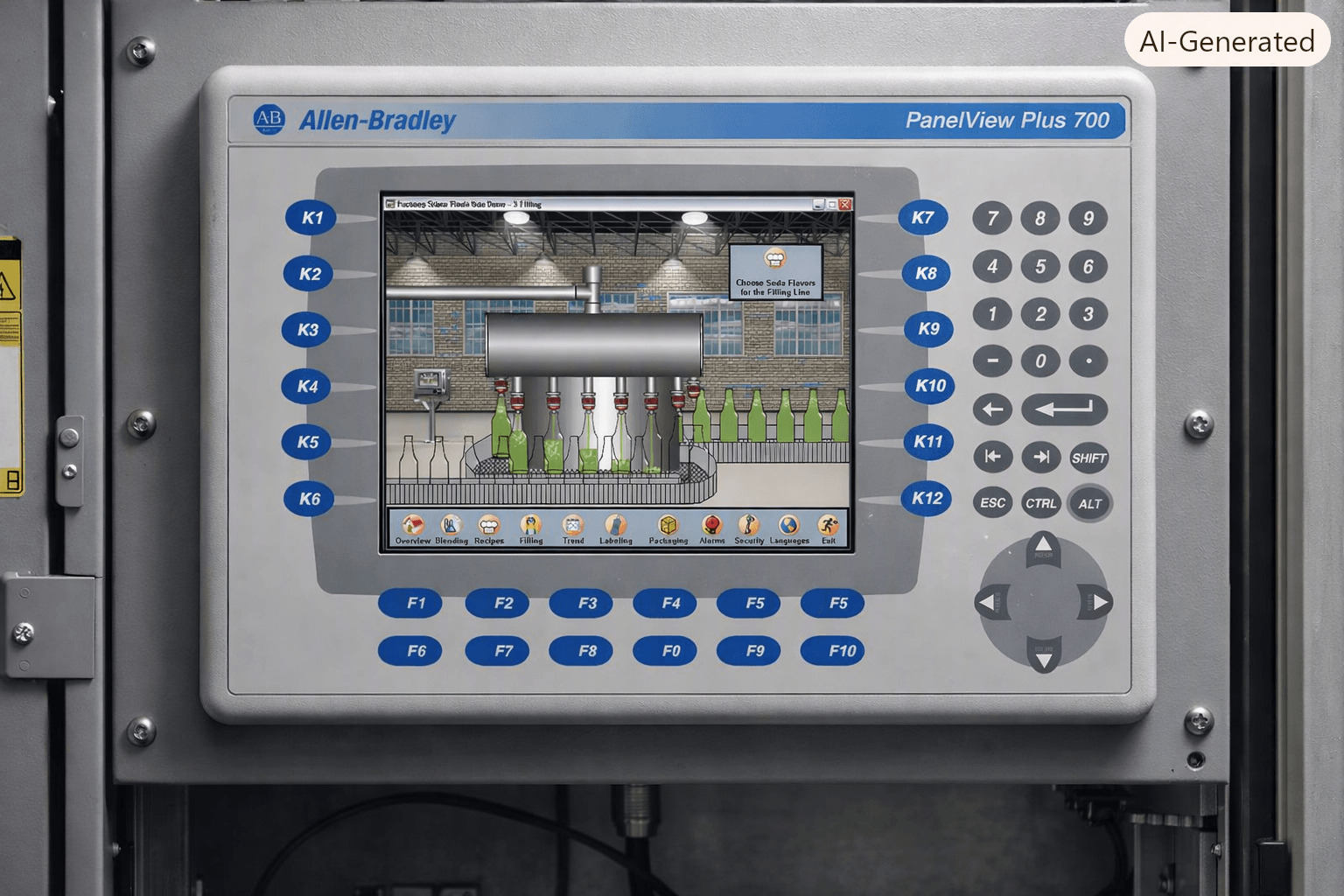
1. Blank Screen or No Display
Symptoms
The terminal powers on (status LEDs may light) but the display remains completely dark or shows only a faint backlight.
Common Causes
- Failed backlight or LCD panel
- Loose or damaged display module connection
- Logic module or power supply issue
Troubleshooting Steps
- Verify incoming power (24 V DC or AC depending on model) and check the status LEDs on the logic module.
- Perform a power cycle using the reset switch on the side of the logic module.
- If the screen stays blank, the display module is frequently the culprit.
Recommended Fix
Replace the LCD display or complete display module. VICPAS stocks brand-new compatible LCD displays, touchscreens, and full front assemblies for the entire PanelView Plus 700 series (including popular catalog numbers such as 2711P-B7C4D1, 2711P-T7C4D1 and many others). All parts ship with a 12-month warranty and worldwide express delivery.
2. Unresponsive Touchscreen or FATAL-3A Error
Symptoms
Touch inputs are ignored, dead zones appear, or the terminal displays “FATAL-3A” during power-up self-test.
Common Causes
- Stuck or shorted touch cell (the classic cause of FATAL-3A)
- Contaminated or worn resistive touchscreen
- Failed calibration
Troubleshooting Steps
- Clean the screen thoroughly with a soft cloth and mild detergent (never use abrasive cleaners or solvents).
- Power-cycle the terminal while watching for the FATAL-3A message.
- If the error persists, the touch overlay itself has failed.
Recommended Fix
Replace the analog resistive touchscreen glass. VICPAS supplies high-quality replacement touchscreens specifically designed for PanelView Plus 700 terminals. These parts restore full touch functionality and eliminate dead spots.
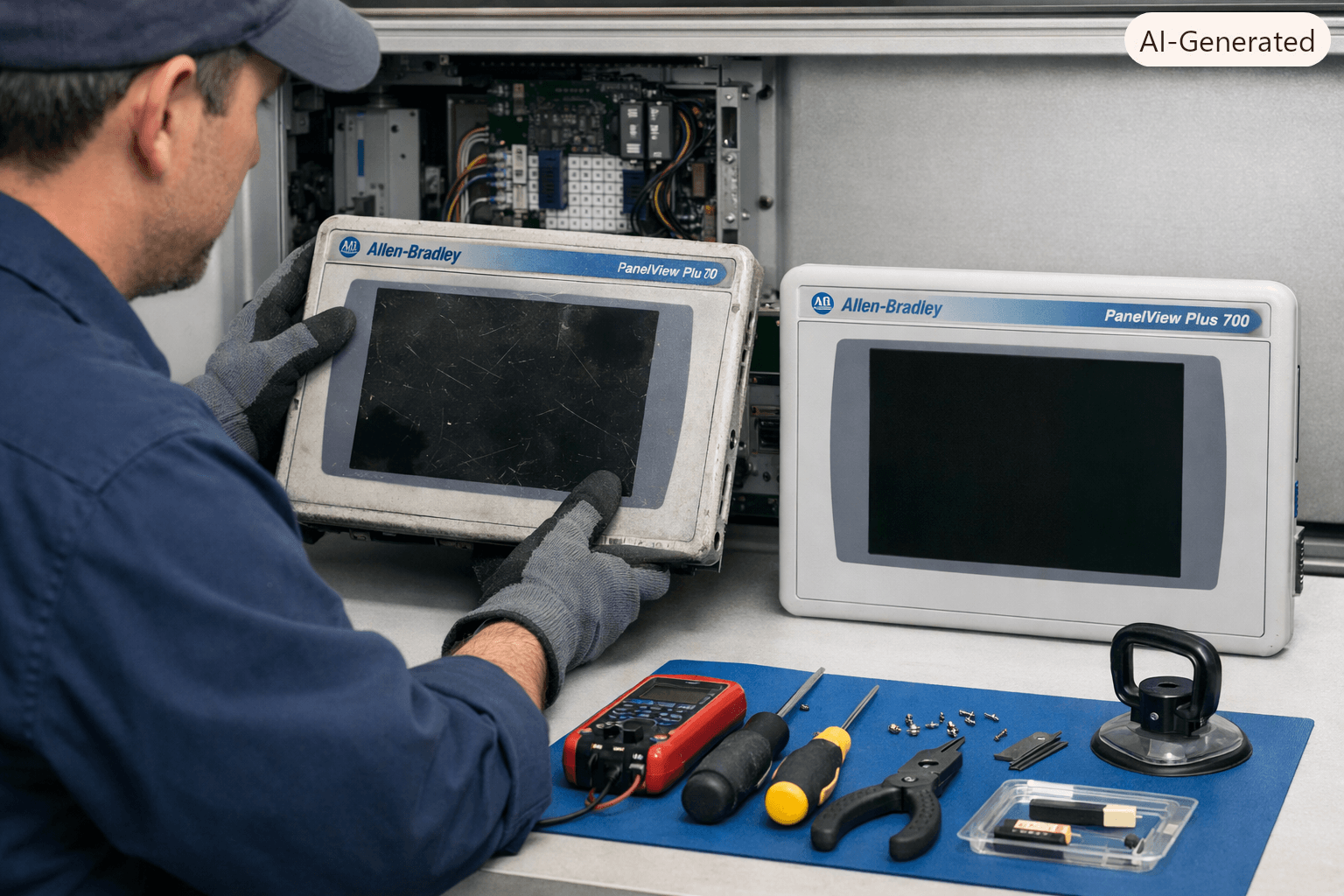
3. Unable to Enter Configuration Mode
Symptoms
The terminal boots directly into the application and the configuration menu cannot be accessed.
Proven Method (from PLCtalk and field experience)
- Power-cycle the terminal.
- During the boot sequence, watch for a small white rectangle that appears briefly in the lower-left corner of the screen.
- Touch the white box immediately. This forces the terminal into Configuration Mode.
If the white box does not appear or cannot be touched, the touchscreen or bezel may need replacement. VICPAS offers complete front bezel and touchscreen assemblies that make accessing Configuration Mode reliable again.
4. Communication Failures and Numeric Displays Stuck at Zero
Symptoms
The HMI runs but tags show zero or “#” symbols; no live data appears even though the PLC is online.
Root Causes (detailed in technical knowledge bases)
- RSView ME / FactoryTalk View ME tags set as “Memory” instead of “Device”
- Incorrect RSLinx Enterprise shortcut path (pointing to the ENBT module instead of the processor)
- IP address, subnet, or network topology mismatch
Key Fixes
- Confirm every process tag is Type = Device and bound to the correct shortcut.
- In RSLinx Enterprise Communications Setup, ensure both Local and Target shortcuts terminate at the ControlLogix processor, not the network module. Always click Apply before copying Local to Target.
- Verify static IP addresses on the PanelView Plus 700, ENBT, and engineering workstation are on the same subnet.
These configuration issues are among the most common causes of “silent” communication failures on the PanelView Plus 700.
5. False or Stuck Alarms in the Alarm List
Symptoms
Old alarms reappear after power cycles or remain visible even after being acknowledged.
Typical Cause
Firmware or runtime version limitations that prevent proper clearing of alarm history.
Recommended Actions
- Upgrade to the highest supported firmware for the specific hardware revision (many 700-series units can reach higher ME Station versions than initially expected).
- Use the remote clear-history function when the firmware supports it.
- As a last resort, reload a clean .MER file after clearing the application.
6. Additional Quick Maintenance Tips
- Clean the display regularly with a soft cloth and mild soap; avoid isopropyl alcohol on the touch surface unless removing fresh grease.
- Use a protective anti-glare overlay to extend screen life.
- Keep a backup .APA or source project; runtime .MER files cannot be edited.
- Monitor the system event log in Configuration Mode for early warnings.
When Hardware Replacement Is the Fastest Solution
Many PanelView Plus 700 issues ultimately trace back to aging display modules, worn touchscreens, or failing membrane keypads. Rather than waiting weeks for original equipment, industrial maintenance teams increasingly turn to specialized HMI parts suppliers.
VICPAS (VICPAS Touch Technology Co., Ltd.) has over 20 years of experience supplying high-quality replacement parts for Allen-Bradley PanelView Plus terminals. The company offers:
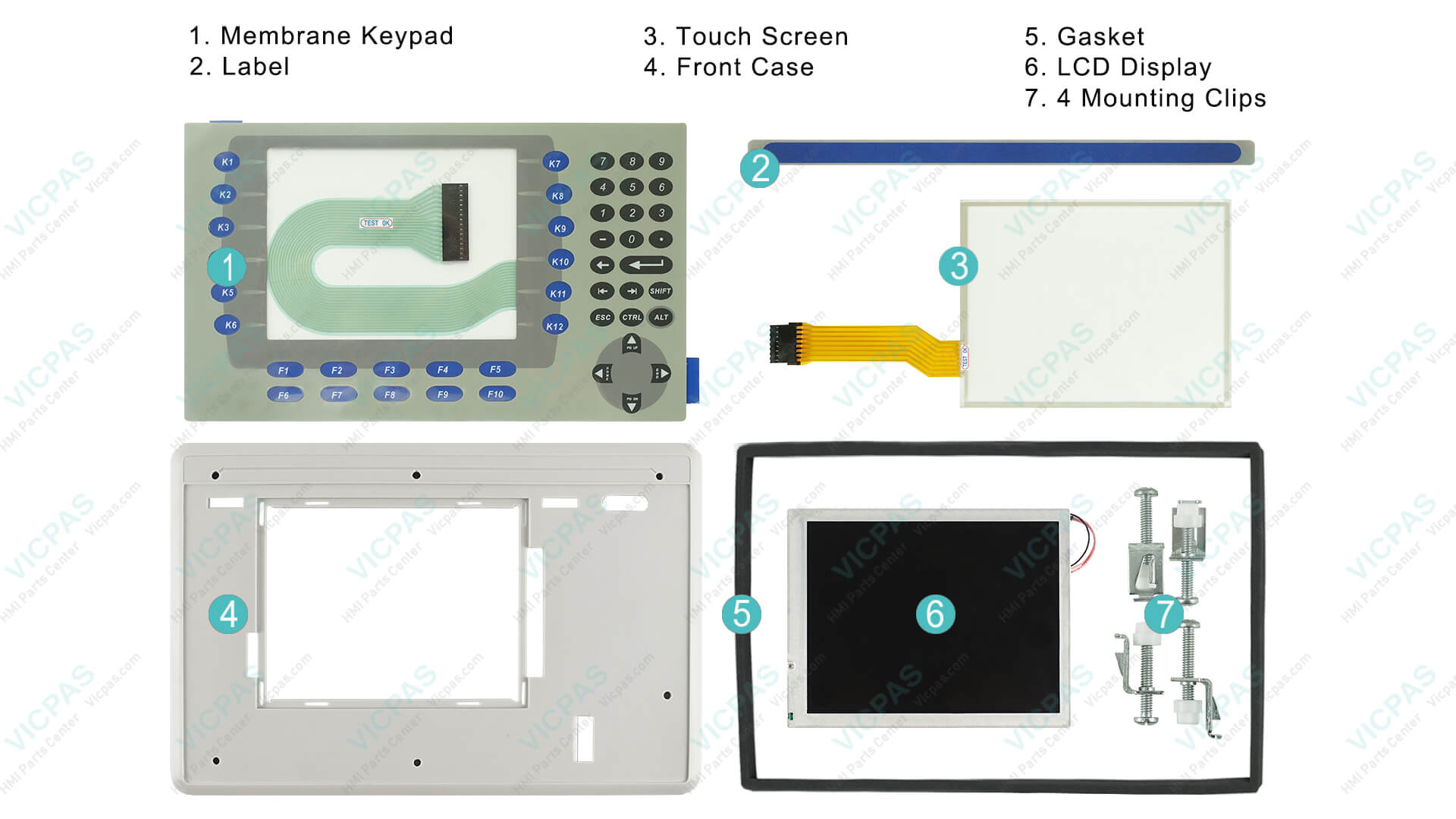
- Touchscreens, membrane keypads, LCD displays, and complete front housings for virtually every PanelView Plus 700 catalog number
- Brand-new parts with a full 12-month warranty
- No minimum order quantity and rapid worldwide shipping (DHL, UPS, FedEx)
- Custom solutions for obsolete or hard-to-find components
Explore the complete range of PanelView Plus 700 replacement parts here:
https://..........com/products2100704/PanelView-Plus-700.htm
For technical support or a fast quote, contact the VICPAS team at sales..........com or visit https://..........com/comm01.htm.
Conclusion
Most PanelView Plus 700 problems fall into a handful of categories: display failures, touchscreen degradation, configuration access difficulties, and communication setup errors. By following the structured steps above—drawn from official Rockwell documentation and thousands of real-world technician experiences—you can diagnose and resolve the majority of issues quickly.
When a part needs replacing, choosing a reliable supplier with deep inventory and strong technical support keeps downtime to a minimum. VICPAS stands ready to help keep your Allen Bradley PanelView Plus 700 terminals running productively for years to come.
Need a specific touchscreen, keypad, or LCD for your PanelView Plus 700? Reach out to VICPAS today for same-day quotation and expert guidance.
References
- Rockwell Automation. PanelView Plus Terminals User Manual (Publication 2711P-UM001).
- Industrial Monitor Direct. Fix PanelView Plus 700 RSView ME Tag Communication Failures.
- PLCtalk Forum. PanelView Plus 700 configuration mode.
- PLCtalk Forum. Troubleshooting a PanelView Plus 700.
- Reddit r/PLC. AB Panelview Plus 700 blank screen. How to replace?
- Reddit r/PLC. Config mode on panelview plus 700.
- PLCtalk Forum. Problem with Panelview plus 700.
- Control.com Forum. Panelview FATAL Alarm.
- DoSupply. Allen Bradley Panelview Plus 700 Repair.
- Rockwell Automation. PanelView Plus 700 to 1500 and PanelView Plus Compact Installation Instructions (Publication 2711P-IN001).
- VICPAS. PanelView Plus 700 Parts Repair Replacement.